How to Work an Antenna on a TV?

To work an antenna on a TV, connect the antenna’s coax cable to the ANT/CABLE IN port on the back of the TV, then place … Read more

To work an antenna on a TV, connect the antenna’s coax cable to the ANT/CABLE IN port on the back of the TV, then place … Read more

A TV antenna usually stops working because of a loose connection, a bad cable, the wrong TV input setting, or signal issues from placement and … Read more

“Antenna DTV” and “Antenna TV” usually mean the same thing: watching free over-the-air channels with an antenna. “DTV” just stands for digital television, which is … Read more

A smart TV doesn’t need an antenna if you only watch streaming apps like YouTube, Netflix, or Hulu. But you do need an antenna if … Read more

To make a good homemade TV antenna, use a simple design that’s proven to work for UHF channels, like a bowtie or coat-hanger antenna, and … Read more

To get local channels on a smart TV with an antenna, connect the antenna’s coax cable to the ANT IN / RF IN port on … Read more
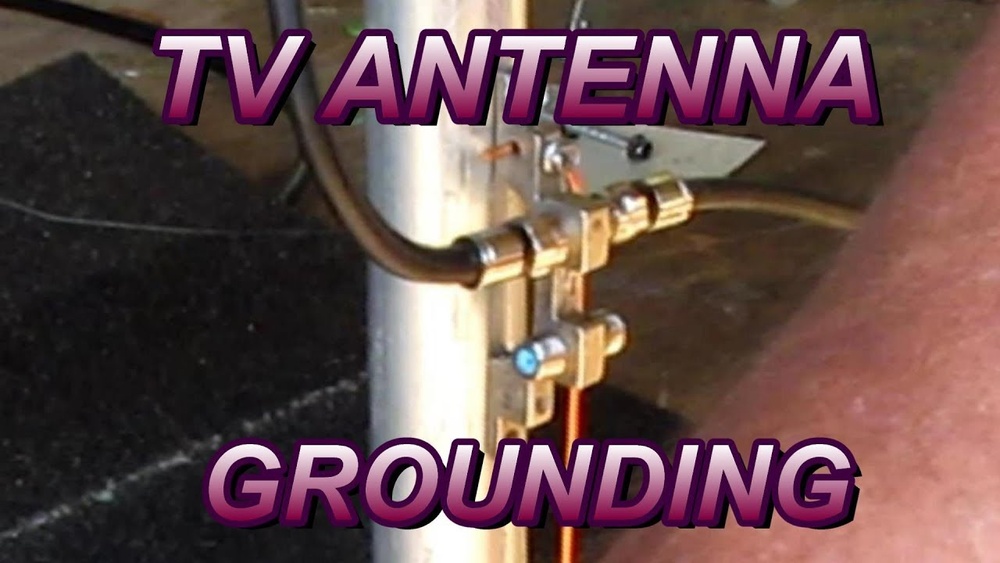
Grounding a TV antenna helps protect your home from lightning and static buildup, and it’s required by electrical code in many areas for outdoor antennas. … Read more
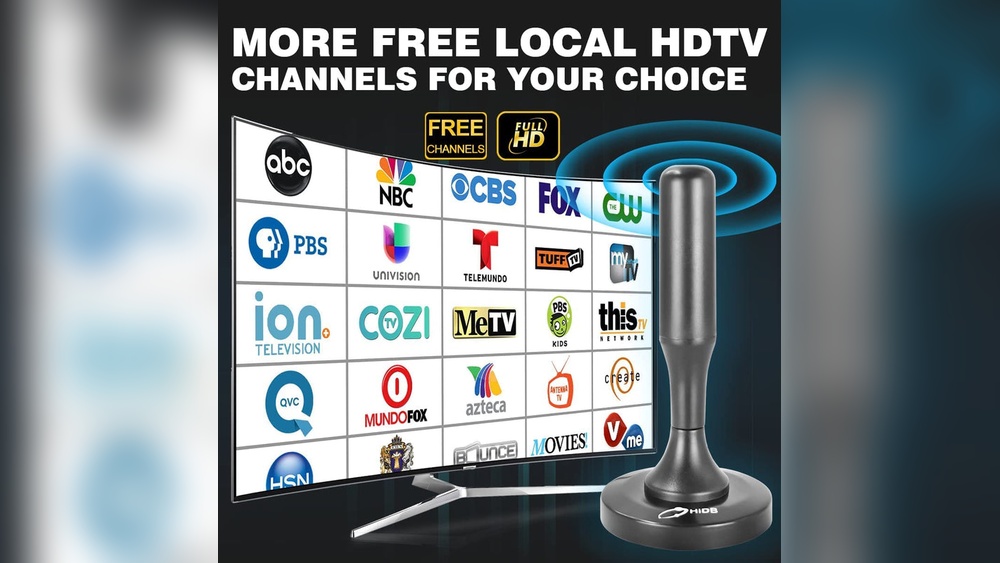
You can watch free “regular TV” on a Firestick without an antenna by using free live TV apps and local news streaming channels. Apps like … Read more
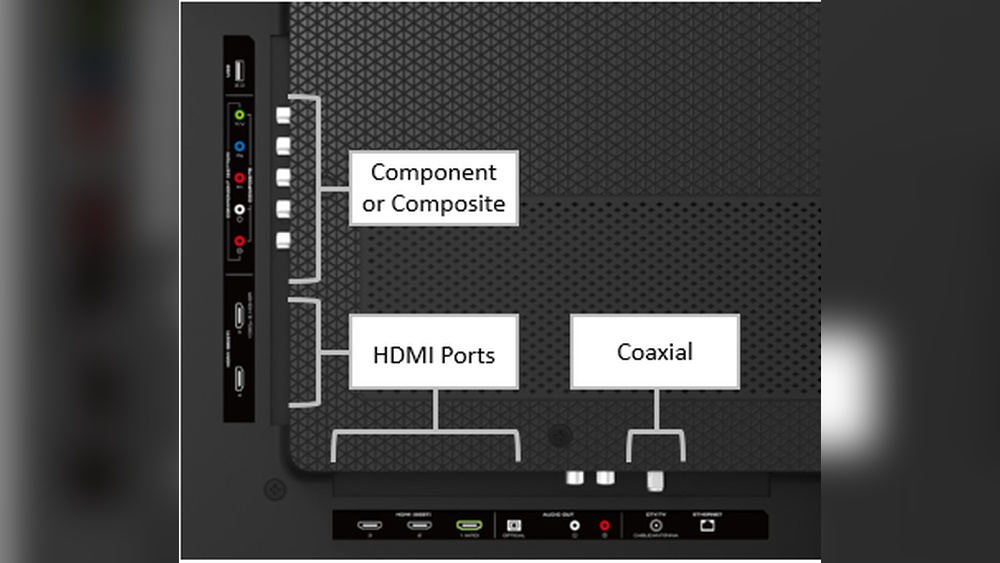
To connect an antenna to a Vizio TV, screw the antenna’s coax cable into the ANTENNA IN port on the back of the TV, then … Read more
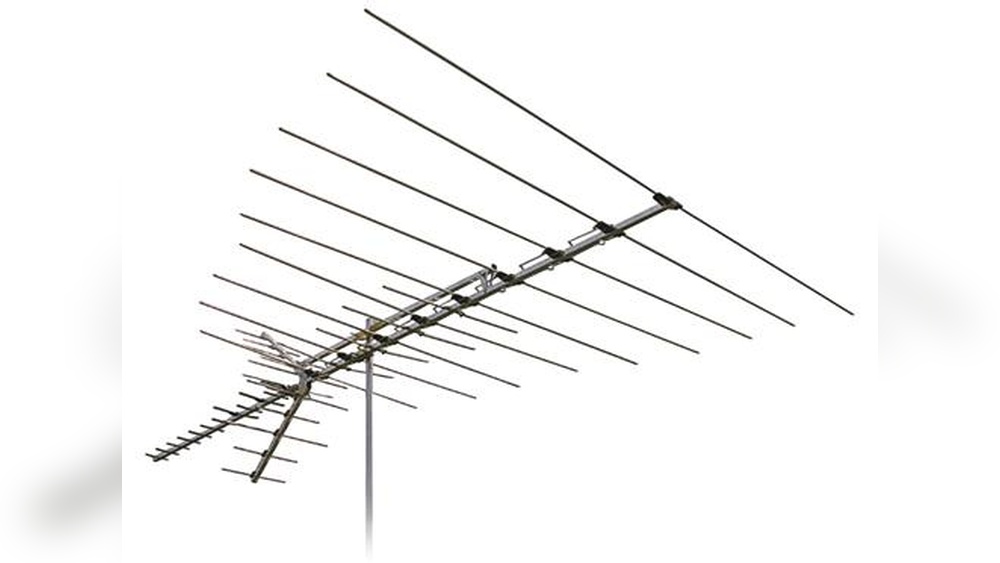
The front of a TV antenna is the side that faces the broadcast towers, and it’s usually the direction the antenna’s “elements” point. On a … Read more
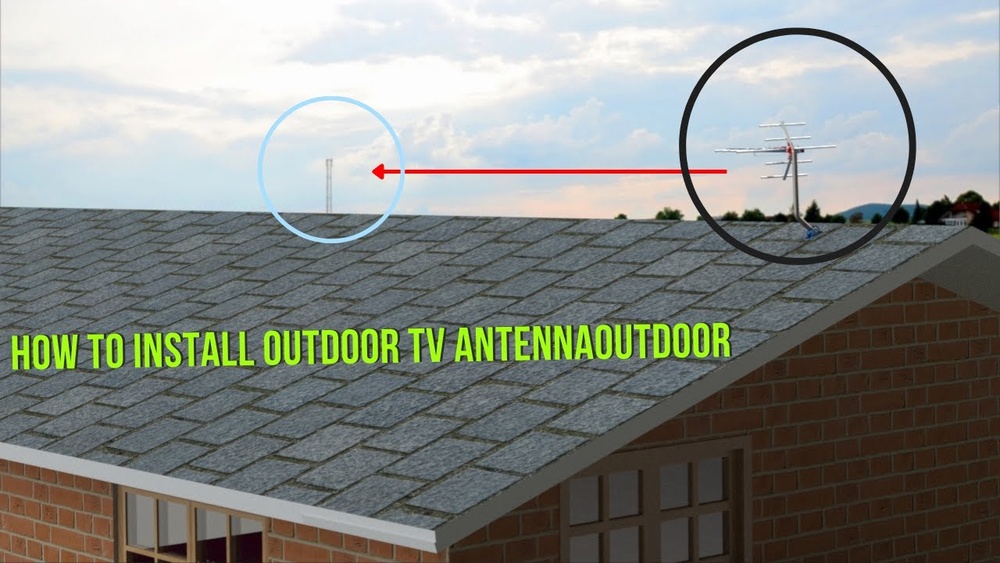
Mounting a TV antenna on a roof starts with choosing a safe spot that has the clearest view toward the broadcast towers. Attach a roof … Read more
To improve your TV antenna signal, start with placement because it makes the biggest difference. Move the antenna higher, aim it toward the broadcast towers, … Read more