
To increase your TV antenna signal, start with better placement, because location matters more than the antenna itself. Put the antenna higher, aim it toward the broadcast towers, and keep it away from thick walls, metal, and Wi-Fi routers that can cause interference.
Use a good coax cable, remove extra splitters, and only add an amplifier if your signal is weak or the cable run is long. After each change, run a new channel scan to lock in the best reception.
Choose The Right Antenna
Choosing the right antenna is key to improving your TV signal. The right antenna matches your location, needs, and setup. Picking the wrong type can cause weak or no signal. Knowing the difference between antenna types helps you make the best choice. This section explains the main antenna types and their uses.
Indoor Vs Outdoor Antennas
Indoor antennas are small and easy to install inside your home. They work well in cities or places near broadcast towers. Indoor antennas are less exposed to weather but may get weaker signals through walls.
Outdoor antennas are bigger and placed on rooftops or outside walls. They catch stronger signals from far away towers. Outdoor antennas handle weather but need more effort to install safely.
Directional Vs Omnidirectional
Directional antennas point toward a specific signal source. They pick up signals from one direction very well. These antennas help reduce interference from other directions.
Omnidirectional antennas receive signals from all directions. They are useful if signals come from different places. These antennas do not need to be aimed but may get more noise.
Optimal Antenna Placement
Optimal antenna placement plays a key role in improving your TV signal. Proper positioning helps your antenna catch signals clearly. Small changes in placement can make a big difference. The right height and location reduce interference and boost reception quality.
Height And Location Tips
Place your antenna as high as possible. The higher it is, the fewer obstacles block the signal. Roofs or tall walls work well. Avoid putting the antenna near metal objects. These can weaken the signal. Try different spots around your home to find the best place.
Avoiding Obstructions
Walls, trees, and buildings block TV signals. Keep the antenna clear of these objects. Look for open spaces with a clear view of the broadcast towers. Avoid placing the antenna inside cabinets or behind furniture. Signal strength drops quickly if blocked by obstacles.
Use Signal Amplifiers
Signal amplifiers help boost weak TV antenna signals. They make it easier to get clearer channels. These devices increase the strength of the signal your antenna catches. This can improve picture and sound quality on your TV. Using the right amplifier can reduce interruptions and make your viewing better.
When To Use Amplifiers
Use a signal amplifier if the TV shows fuzzy or no picture. Weak signals happen when you live far from broadcast towers. Tall buildings or trees can also block signals. An amplifier helps when many channels are missing or pixelated. It works best when the antenna is already positioned well.
Types Of Amplifiers
There are two main types of signal amplifiers. The first is a preamplifier. It connects near the antenna to boost the signal early. The second is a distribution amplifier. It works when the signal splits to many TVs in one home. Choose an amplifier that matches your setup and signal needs.
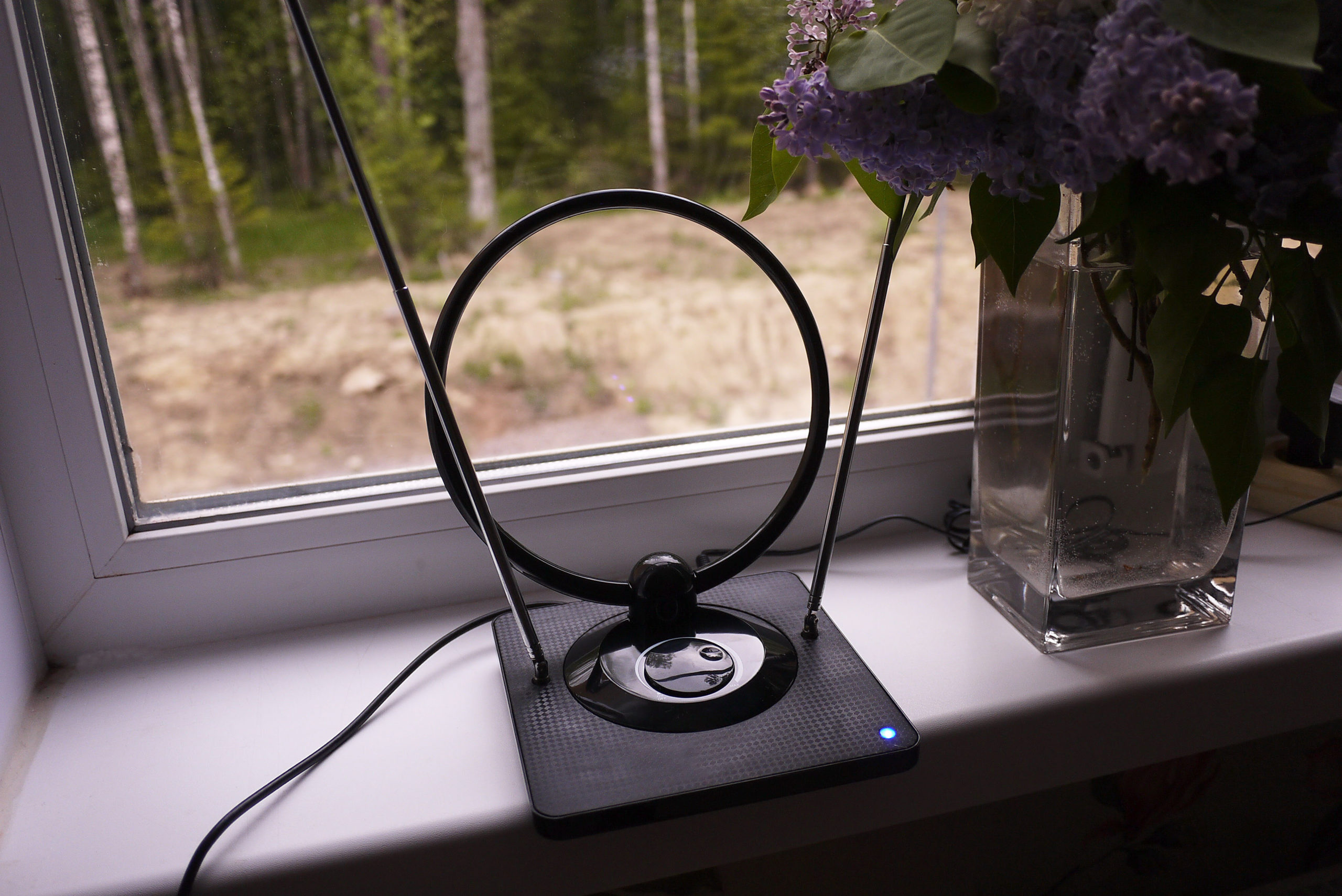
Credit: www.thefreetvproject.org
Adjust Antenna Direction
Adjusting the direction of your TV antenna is key to getting a stronger signal. Small changes in the angle can make a big difference in picture quality. Aim the antenna toward the source of the broadcast signal for best results.
Sometimes signals come from several towers. Finding the main towers helps you point the antenna correctly. This step reduces interference and improves signal strength.
Finding Broadcast Towers
Locate the nearest broadcast towers using online tools. Enter your address to see tower locations on a map. Note the direction of each tower from your home.
The closest tower usually provides the strongest signal. Make sure your antenna points toward it. Some areas have multiple towers. You may need to find a direction that works best for all.
Tools For Alignment
Use a compass to find the exact direction of the broadcast towers. A smartphone app can also help with this task. These apps show tower directions in real time.
Signal meters are handy for fine-tuning. They measure signal strength as you adjust the antenna. Move the antenna slowly and watch the meter for improvements.
Minimize Interference
Interference can weaken your TV antenna signal. It causes static, pixelation, and poor picture quality. Reducing interference improves signal strength and viewing experience. Simple steps can help you minimize interference around your antenna.
Electronic Devices To Avoid
Electronic devices can create signal noise. Keep your antenna away from routers, cordless phones, and microwaves. These devices emit signals that interfere with TV reception. Turn off or move devices that cause disturbances. This helps your antenna receive a clearer signal.
Cable Quality And Connections
Low-quality cables reduce signal strength. Use high-quality coaxial cables designed for TV antennas. Check all cable connections for tightness and corrosion. Loose or damaged connectors cause signal loss. Replace old cables to ensure a strong, stable connection.
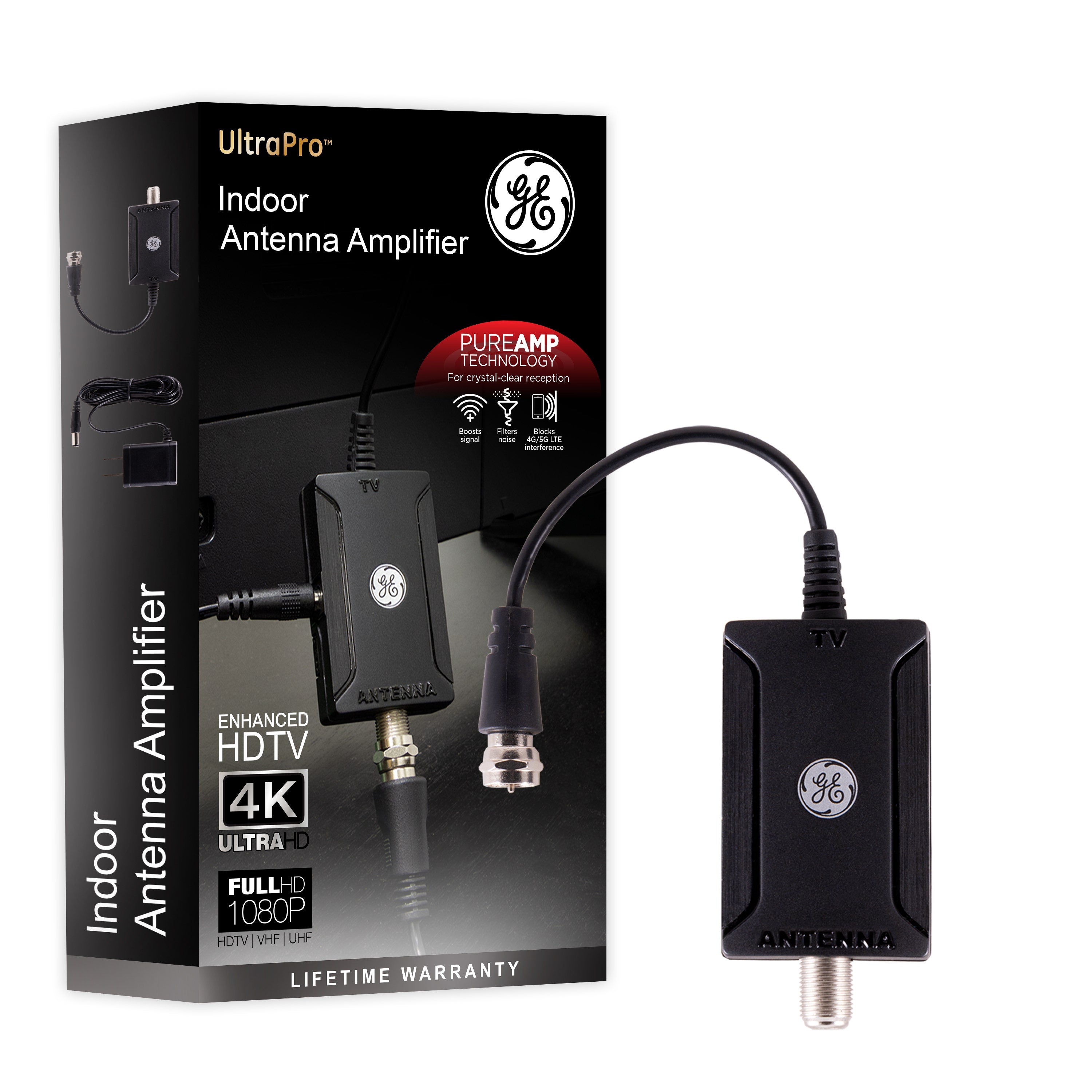
Credit: byjasco.com
Upgrade Your Equipment
Upgrading your TV antenna equipment can significantly improve your signal strength. Older antennas and cables often cause weak or unstable signals. Using modern tools designed for better reception helps you get clearer channels and fewer interruptions.
Modern Antenna Models
Modern antennas use advanced technology to capture more signals. They are built to work well in different weather and with many TV channels. Many models are small and easy to install on your roof or near a window. Choosing a digital or HD antenna can improve your picture quality. These antennas pick up signals more efficiently than older versions.
High-quality Cables And Splitters
Using high-quality cables reduces signal loss during transmission. Cheap or old cables can weaken the signal before it reaches your TV. Look for cables with good shielding and connectors. Also, use quality splitters if you connect multiple TVs. Poor splitters can cause signal drop and interference. Investing in better cables and splitters keeps your signal strong and stable.
Regular Maintenance
Regular maintenance keeps your TV antenna working well. Dirt, rust, and loose wires can weaken the signal. Checking and cleaning the antenna often helps keep your picture clear and stable.
Cleaning The Antenna
Dirt and dust block the signal from reaching your antenna. Use a soft cloth or brush to clean all parts gently. Avoid using water or harsh chemicals. Clean the antenna at least twice a year to keep it clear.
Checking Connections
Loose or damaged cables reduce signal strength. Look for cracks, rust, or frayed wires. Tighten all screws and connectors firmly. Replace any broken cables with good quality ones. Check connections regularly to avoid signal loss.

Credit: www.amazon.com
Conclusion
Improving your TV antenna signal is easier than you think. Small changes can bring better picture and sound. Try moving your antenna to a higher spot or away from metal objects. Check your cables for damage or loose connections. Using a signal amplifier might help in some cases.
Keep testing different setups until you find the best one. Enjoy clearer channels without extra cost. Stay patient and keep adjusting. Your TV experience will get much better with these simple steps.