
Yes, an 85-inch TV can be wall mounted, but it needs a heavy-duty mount that matches the TV’s VESA pattern and is rated well above the TV’s weight. The bracket must be secured into multiple wall studs or solid masonry, not drywall alone, and the screw length has to match the TV’s mounting depth.
Because 85-inch TVs are large and flexible, a low-profile or tilting mount is often safer than a long full-motion arm unless the wall and studs are very strong.
Mounting Feasibility
Mounting an 85 inch TV on the wall requires careful planning. The size and weight of the TV affect the mounting process. Not every wall or mount can safely hold such a large screen. Checking the mounting feasibility ensures safety and a good viewing experience.
Understanding the limits related to weight and size is key. Also, the type of wall where you want to mount the TV plays a big role. These factors help decide if your 85 inch TV can be securely wall mounted.
Weight And Size Limits
Large TVs like 85 inches can be very heavy, often weighing over 80 pounds. The wall mount must support this weight safely. Check the mount’s weight rating before buying. Use a mount designed for large, heavy TVs to avoid accidents.
TV size also matters. The mount should fit the TV’s VESA pattern, which is the distance between mounting holes. Confirm the mount supports the width and height of your TV. A wrong size mount may not hold the TV properly.
Wall Type Considerations
The wall material affects how well it holds the TV. Drywall alone cannot support heavy TVs without strong anchors or studs. Locate the wooden studs behind the drywall for secure mounting. Use a stud finder to find these studs.
Concrete and brick walls can support heavy TVs better. Use special anchors designed for masonry walls. Avoid mounting on thin or hollow walls without reinforcement. Proper wall type and mounting hardware are essential for safety.

Credit: www.mount-it.com
Required Tools
Wall mounting an 85-inch TV requires specific tools to ensure safety and stability. These tools help you find the right spots on the wall and secure the TV properly. Using the correct tools also makes the installation process smoother and more accurate.
Each tool has a unique role. Together, they help you mount your large TV with confidence and precision.
Stud Finder
A stud finder locates the wooden or metal studs inside your wall. These studs provide the strongest support for your TV. Mounting directly to studs prevents damage and keeps the TV secure. Without a stud finder, you risk attaching the mount to weak drywall.
Drill And Bits
You need a drill to make pilot holes in the wall studs. Use drill bits that match the size of the lag bolts you will use. Drilling pilot holes helps prevent the wood from splitting. It also makes screwing in lag bolts easier and more precise.
Level
A level ensures the TV mount is perfectly straight. Even a small tilt can affect viewing and look unprofessional. Place the level on the mount bracket before drilling and tightening. This simple step guarantees a neat and balanced installation.
Lag Bolts
Lag bolts are heavy-duty screws used to fasten the mount to the studs. They must be the right size and length to hold the TV’s weight. Most mounts come with lag bolts, but check if they fit your wall studs. Strong lag bolts keep the TV firmly attached and prevent accidents.
Helper Assistance
An 85-inch TV is large and heavy. A helper makes the process safer and easier. They can hold the TV while you attach it to the mount. Working with a partner reduces the risk of dropping or damaging the TV. Always ask for help to avoid injury.
Preparation Steps
Preparing to wall mount an 85 inch TV needs careful planning. This ensures safety and a perfect viewing experience. Follow these preparation steps to make the process smooth and secure.
Choosing The Location
Select a spot that offers a clear view from your seating area. Avoid places with strong sunlight to reduce glare on the screen. Consider the distance between the TV and seating; 85 inches needs enough space for comfortable viewing. Check for power outlets nearby to keep cables organized and hidden.
Locating Wall Studs
Wall studs provide the support needed for heavy TVs like an 85 inch model. Use a stud finder to locate the center of the studs behind the drywall. Mark these locations clearly with a pencil. Make sure to find at least two studs for mounting. Avoid mounting on drywall alone, as it cannot hold the TV’s weight safely.

Credit: www.youtube.com
Mount Installation
Mount installation is a key step for safely and securely wall mounting an 85 inch TV. Proper installation ensures the TV stays firmly in place and looks great on your wall. This section breaks down the process into simple steps for easy understanding and execution.
Attaching Mounting Arms To Tv
Start by locating the mounting holes on the back of your TV. Attach the mounting arms using the screws provided with your mount kit. Tighten the screws carefully but avoid over-tightening. Make sure the arms are firmly attached and aligned properly. This step prepares your TV for secure hanging on the wall bracket.
Installing Wall Bracket
Use a stud finder to locate the wall studs where you want to mount your TV. Mark the center points of the studs for precise placement. Hold the wall bracket against the wall, aligning it with the marks. Drill pilot holes into the studs at the marked points. Secure the bracket with lag bolts, tightening them until the bracket is stable. The bracket must be solidly fixed to support the TV’s weight.
Ensuring Level Alignment
Place a level on top of the wall bracket to check for straightness. Adjust the bracket position if needed before final tightening. A level mount keeps the TV balanced and prevents it from tilting. Double-check the level after securing the bracket. Proper alignment improves both the look and safety of your mounted TV.
Mounting The Tv
Mounting an 85 inch TV on the wall requires careful preparation and teamwork. The size and weight of the TV make the process more challenging than smaller models. Proper mounting keeps the TV secure and ensures safety for everyone around.
Follow clear steps to handle and fix the TV on the wall. Using the right tools and techniques makes the task easier. Two people should work together to lift and position the TV without damage or injury.
Lifting And Hanging
Lift the TV with help from another person. Hold the TV firmly on both sides. Avoid holding only the edges to prevent damage. Position the TV close to the wall bracket before hanging.
Align the mounting arms on the TV with the wall bracket. Slowly lower the TV onto the bracket hooks. Make sure the TV fits well and does not tilt. Check that the TV is centered and balanced on the mount.
Securing The Tv
Use the lock or safety screws on the mount to secure the TV. These prevent the TV from slipping or falling. Tighten all screws with a screwdriver. Double-check that the mount and TV do not move.
Test the TV’s stability by gently shaking it. If it feels loose, recheck all fastenings. Confirm the mount is fixed to wall studs for strong support. Avoid relying on drywall only, as it cannot hold heavy weight.
Safety Tips
Wall mounting an 85-inch TV requires careful attention to safety. Large TVs are heavy and need strong support. Poor installation can cause accidents or damage. Follow these tips to keep your TV secure and your home safe.
Avoiding Drywall Mounting
Drywall alone cannot hold the weight of an 85-inch TV. Mounting on drywall risks the TV falling and causing injury. Always locate the wall studs behind the drywall. Use a stud finder to find solid wood or metal studs for support. Never rely on drywall anchors for heavy TVs.
Reinforcing Wall Studs
Check the condition of the wall studs before mounting. If studs are weak or spaced too far apart, reinforce them with extra wood or metal plates. Reinforcement spreads the TV’s weight evenly. Use long lag bolts to secure the mount firmly into the studs. This prevents the mount from loosening over time.
Handling Heavy Tvs Safely
An 85-inch TV is large and heavy. Always have a second person help lift and install the TV. Use proper lifting techniques to avoid injury. Lift with your legs, not your back. Hold the TV firmly and move slowly. Double-check that the mount locks securely before releasing the TV.
Mount Types
Choosing the right mount type is vital for securely installing an 85-inch TV on your wall. Different mounts offer various levels of flexibility and support. Understanding these mount types helps you pick the one that fits your room and viewing needs. Below are the common mount types suitable for large TVs like an 85-inch model.
Fixed Mounts
Fixed mounts hold the TV flat against the wall. They provide a clean, low-profile look. This type is sturdy and often the easiest to install. Fixed mounts do not allow any movement. You cannot tilt or swivel the TV once mounted. This option is ideal if you have a perfect viewing angle from your seating area.
Tilt Mounts
Tilt mounts let you angle the TV up or down. This helps reduce glare from windows or lights. You can adjust the screen to improve your viewing comfort. Tilt mounts still keep the TV close to the wall. They offer a small range of motion compared to full motion mounts. Tilt mounts are good for mounting a TV higher on the wall.
Full Motion Mounts
Full motion mounts provide the most flexibility. They allow you to tilt, swivel, and extend the TV away from the wall. You can adjust the TV to face different areas of the room. These mounts are perfect for rooms with multiple seating spots. Full motion mounts require more space to extend and are usually more complex to install.
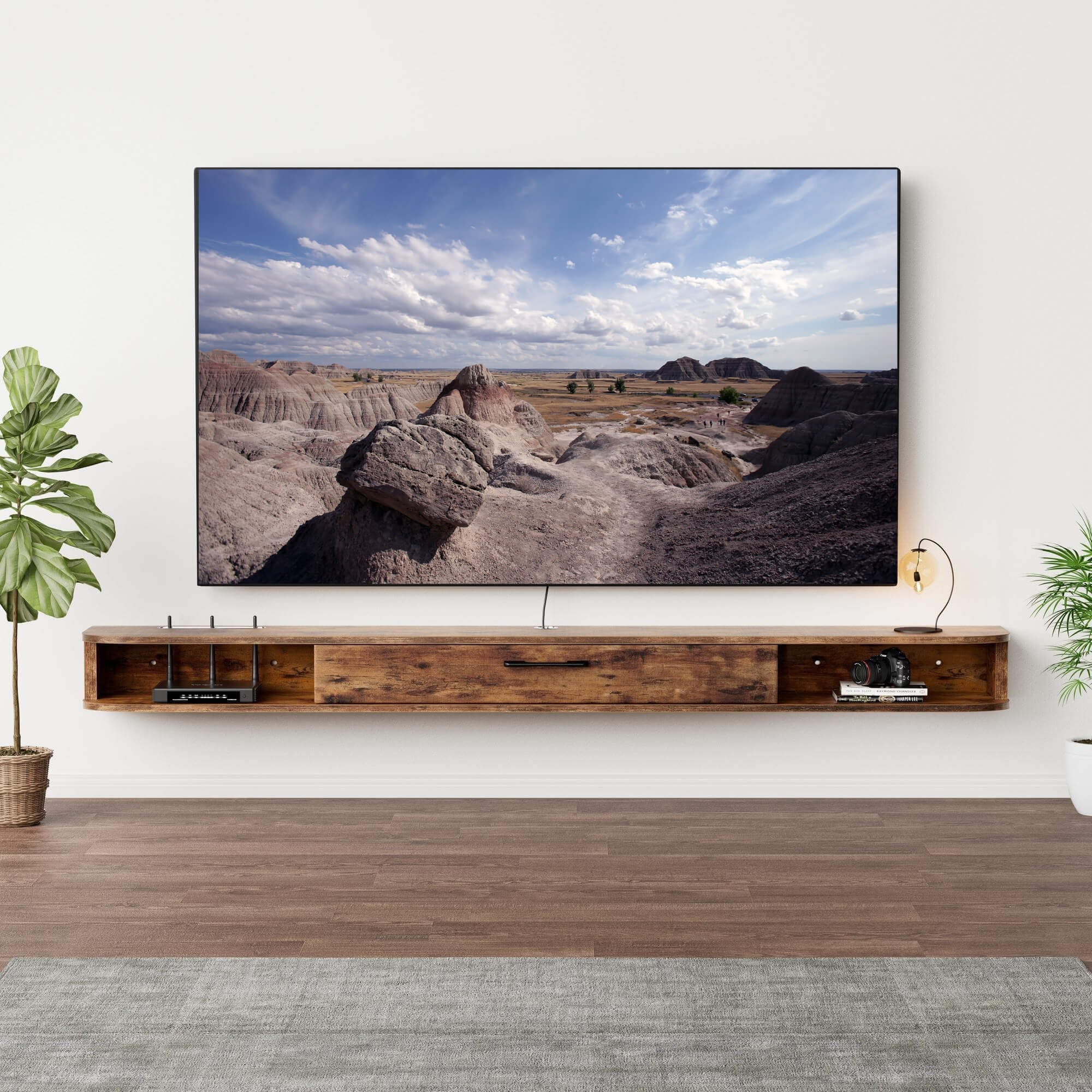
Credit: floativa.com
Common Challenges
Mounting an 85 inch TV on the wall brings several challenges. These challenges affect both the installation process and the final look. Proper planning is necessary to avoid common problems. Two major issues include managing cables and connecting devices before mounting.
Cable Management
Large TVs need many cables for power, video, and audio. Hiding these cables is difficult but important for a clean look. Without good cable management, wires can hang loosely and create clutter. Wall channels or in-wall cable kits help organize and hide cables. Planning cable paths before mounting makes the setup easier and safer.
Plugging In Devices Pre-mount
Connecting devices before mounting is tricky with big TVs. Some ports sit at the back or sides, making access hard after installation. Testing all devices and cables before mounting saves time. Plug in all HDMI, USB, and power cables first. This avoids moving the heavy TV multiple times to fix connections.
Conclusion
An 85 inch TV can be safely wall mounted with the right tools. Always find and use wall studs to support the weight. Use a proper mount designed for large TVs. Enlist help when lifting and attaching the TV to the wall.
Take your time to ensure the mount is level and secure. This approach keeps your TV safe and enhances your viewing space. Wall mounting large TVs is doable and can improve your room’s look. Just follow the steps carefully and stay safe during installation.