
Spacers for a TV mount are needed when your TV has a curved back, recessed screw holes, or raised bumps that keep the mount plate from sitting flat. They help the bracket sit level, prevent pressure on the TV casing, and ensure the screws grip securely without bottoming out.
If your TV’s back is flat and the mount fits flush with the right screw length, you can usually skip them, but never force the bracket tight against an uneven surface.
Purpose Of Tv Mount Spacers
TV mount spacers play a key role in the installation process. They create a small gap between the TV and the wall or mounting bracket. This gap helps protect the TV and ensures it functions properly. Spacers also solve common issues that arise due to wall or TV design.
Preventing Tv Damage
Spacers stop the TV from touching the wall directly. This contact can cause scratches or cracks. They also reduce pressure on the TV’s back panel. This pressure might damage internal parts or the screen. Using spacers helps keep the TV safe during and after installation.
Ensuring Proper Ventilation
TVs need air to cool down internal components. Without airflow, overheating can happen. Spacers create space for air to circulate. This space helps keep the TV at a safe temperature. Proper ventilation extends the TV’s lifespan and improves performance.
Accommodating Wall Irregularities
Walls are not always flat or even. Some have bumps, pipes, or outlets behind them. Spacers adjust the distance between the TV and wall. This adjustment allows mounting on uneven surfaces. They help the TV sit securely without tilting or wobbling.
Credit: www.avsforum.com
When Spacers Are Necessary
Spacers play a key role in some TV mount installations. They help create extra space between the TV and the wall. This space can solve certain fitting problems and protect your TV.
Not every mount needs spacers. Knowing when to use them saves time and avoids damage. Below are common cases where spacers become necessary.
Vesa Pattern Mismatch
TVs and mounts use VESA patterns to align screw holes. Sometimes, the holes on the TV do not line up with the mount. Spacers fill the gap caused by this mismatch. They allow screws to fit securely without forcing the TV.
Obstructed Wall Surface
Walls are not always flat. Pipes, studs, or uneven surfaces may block the mount from sitting flush. Spacers lift the mount off the wall to clear these obstacles. This prevents damage to the wall and keeps the mount stable.
Cable Clearance Needs
Cables behind the TV need space to connect properly. Sometimes, the mount pushes the TV too close to the wall. Spacers create extra room for cables and plugs. This makes connecting and disconnecting easier and safer.
Types Of Tv Mount Spacers
TV mount spacers help create the right distance between the TV and the wall. They fix issues like uneven surfaces or cable clearance. Choosing the right type of spacer depends on the TV model and wall type. Here are the common types of spacers used for TV mounts.
Plastic Spacers
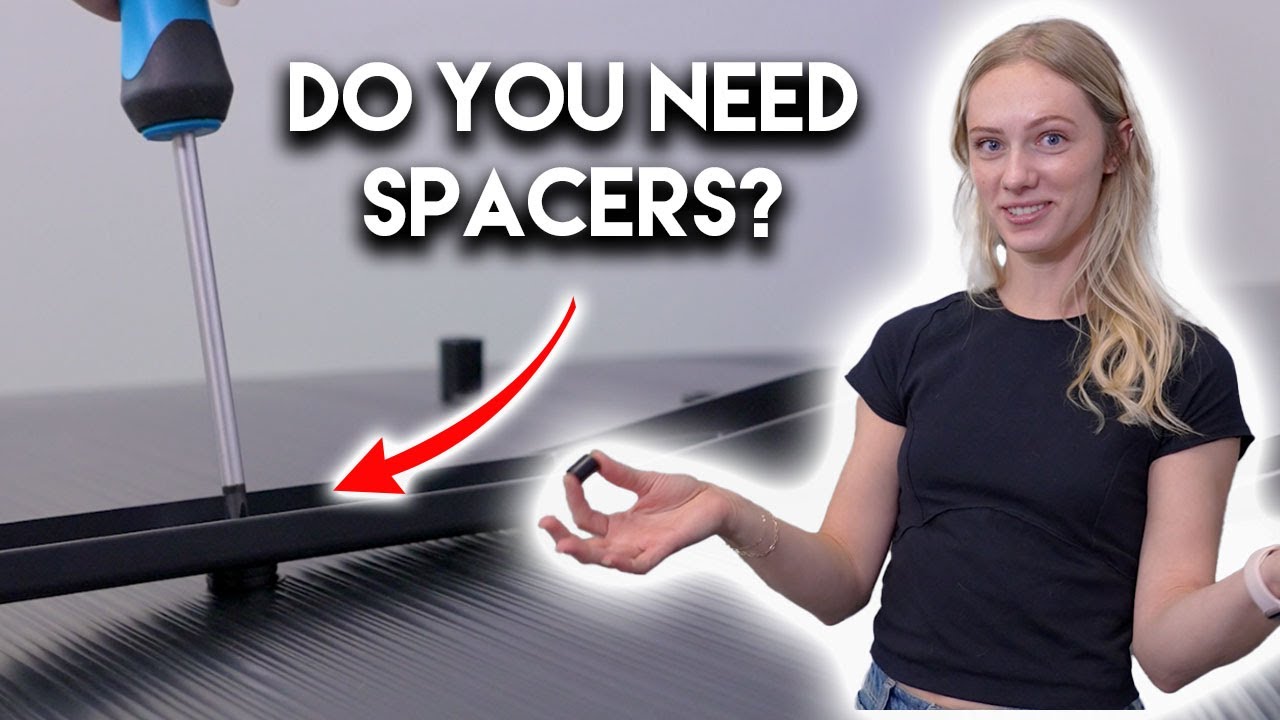
Plastic spacers are lightweight and easy to use. They prevent the TV from touching the wall directly. These spacers come in different thicknesses for various gaps. Plastic is a good choice for light to medium-sized TVs. They resist corrosion and do not damage the wall surface.
Metal Spacers
Metal spacers offer strong support and durability. They suit heavy TVs or mounting on uneven walls. Metal spacers maintain a firm hold and prevent wobbling. They usually come in aluminum or steel, which resist rust. These spacers work well for long-term installations.
Custom Diy Solutions
Custom DIY spacers fit unique mounting needs. You can make them from wood, rubber, or plastic pieces. This option allows precise control over spacer size and shape. DIY spacers are useful when standard spacers don’t fit well. Always ensure DIY spacers are stable and safe before mounting.
Credit: www.youtube.com
How To Install Spacers
Installing spacers for your TV mount helps create the perfect gap between the TV and the wall. Spacers prevent damage to the TV and allow better airflow. Follow simple steps to install spacers safely and correctly for a secure mount.
Selecting The Right Spacer Thickness
Choose spacers that fit the depth of your TV’s back panel. Measure the gap needed to avoid contact with cables or wall obstructions. Most spacers come in 1/4 inch to 1 inch thickness. Pick one that keeps the TV level and stable.
Attaching Spacers To The Mount
Place the spacer between the TV and the mounting bracket holes. Align the holes on the spacer with the mount and TV holes. Hold the spacer firmly to avoid shifting during installation. This ensures a tight and even fit for the TV.
Securing The Tv With Proper Screws
Use screws long enough to pass through the spacer and into the TV mount. Check the TV manual for recommended screw size. Tighten screws evenly to keep the spacer in place. Avoid over-tightening to prevent damage to the TV or mount.
Safety Considerations
Safety is the top priority when mounting a TV on the wall. Using spacers can help, but the main focus must be on a strong and secure installation. Poor mounting risks the TV falling and causing injury or damage.
Understanding the right techniques can prevent accidents. It is important to check the wall structure and use the proper mounting hardware. This ensures the TV stays safely in place over time.
Mounting Into Wall Studs
Wall studs provide the strongest support for TV mounts. Screwing directly into studs holds the TV firmly. Studs are usually wooden beams behind drywall. They can bear the TV’s weight safely without bending or breaking.
Use a stud finder to locate these beams before mounting. Avoid guessing, as missing a stud weakens the mount. Mounting into studs reduces the need for spacers in most cases.
Avoiding Drywall-only Mounts
Drywall alone cannot hold a heavy TV. It is brittle and prone to cracking under pressure. Mounting only into drywall risks the TV falling off the wall. This can cause serious injury or damage to the TV and surroundings.
Always ensure the mount screws anchor into studs. If no studs are available, consider using a different wall or support method. Drywall-only mounts are unsafe and should be avoided.
Using Reinforcing Plates
Reinforcing plates add extra strength to the mounting area. They spread the TV’s weight over a larger surface. This helps prevent drywall damage and increases stability.
Use metal or plywood plates behind the drywall if studs are not aligned well. Secure the plates to multiple studs for better support. Reinforcing plates can reduce the need for thick spacers.
Troubleshooting Spacer Issues
Spacer issues can cause problems during TV mount installation. They affect how securely the TV fits on the wall. Identifying and fixing spacer problems improves your mounting experience. Troubleshooting these issues ensures your TV stays safe and stable.
Screw Length Problems
Incorrect screw length is a common spacer issue. Screws that are too short cannot hold the TV properly. Screws that are too long might damage the TV or wall. Always use screws recommended by the mount or TV manufacturer. Check screw length before tightening to avoid damage.
Mount Stability Concerns
Improper spacer use can cause mount instability. If spacers are too thick or too thin, the TV may wobble. Uneven spacer placement creates an unbalanced mount. Ensure spacers fit flush between the TV and wall. A stable mount prevents accidents and keeps your TV secure.
Adjusting Spacer Placement
Spacer placement affects the fit and alignment of the TV. Place spacers evenly to maintain balance. Avoid gaps between the TV and wall bracket. Adjust spacers step-by-step for a snug fit. Correct placement reduces stress on screws and the mount.
Alternative Solutions To Spacers
Spacers help create space between a TV and the wall. They solve clearance problems for ports or uneven surfaces. Some setups need alternatives for better fit or style. These options avoid using spacers while keeping the TV secure and level. Explore popular ways to mount your TV without extra parts.
Adjustable Mounts
Adjustable mounts allow you to change the TV’s distance from the wall. You can move the screen closer or farther away easily. This feature removes the need for fixed spacers. Adjustable mounts also tilt and swivel to improve viewing angles. They fit many room layouts and TV sizes.
Different Mounting Brackets
Various mounting brackets fit different TV models and wall types. Some brackets have built-in clearance to avoid port blocking. Low-profile brackets keep the TV close to the wall without spacers. Choose brackets designed for your TV’s thickness and connectors. This reduces extra hardware and simplifies installation.
Professional Installation Options
Professional installers can find the best mounting solution for your TV. They assess wall type, TV model, and room setup. Experts may suggest special brackets or custom spacing methods. Their skill ensures a safe and neat installation without unnecessary parts. Hiring a pro saves time and avoids mistakes.
Conclusion
Spacers help create the right gap between the TV and wall. They improve airflow and prevent damage to cables. Using spacers depends on your TV’s size and mount type. Always check if screws fit properly with spacers. Proper use of spacers ensures a secure and safe TV setup.
This simple step can save headaches and keep your TV stable. Choose spacers wisely to protect your wall and device.